The ability to do precise power meter training (measuring your output in watts) is what sets cycling apart from many other endurance sports.
If you are lucky enough to have a power meter on your bike, or you use a smart trainer with built-in power measurement, you have one of the best tools available for gauging fitness and tracking progress.
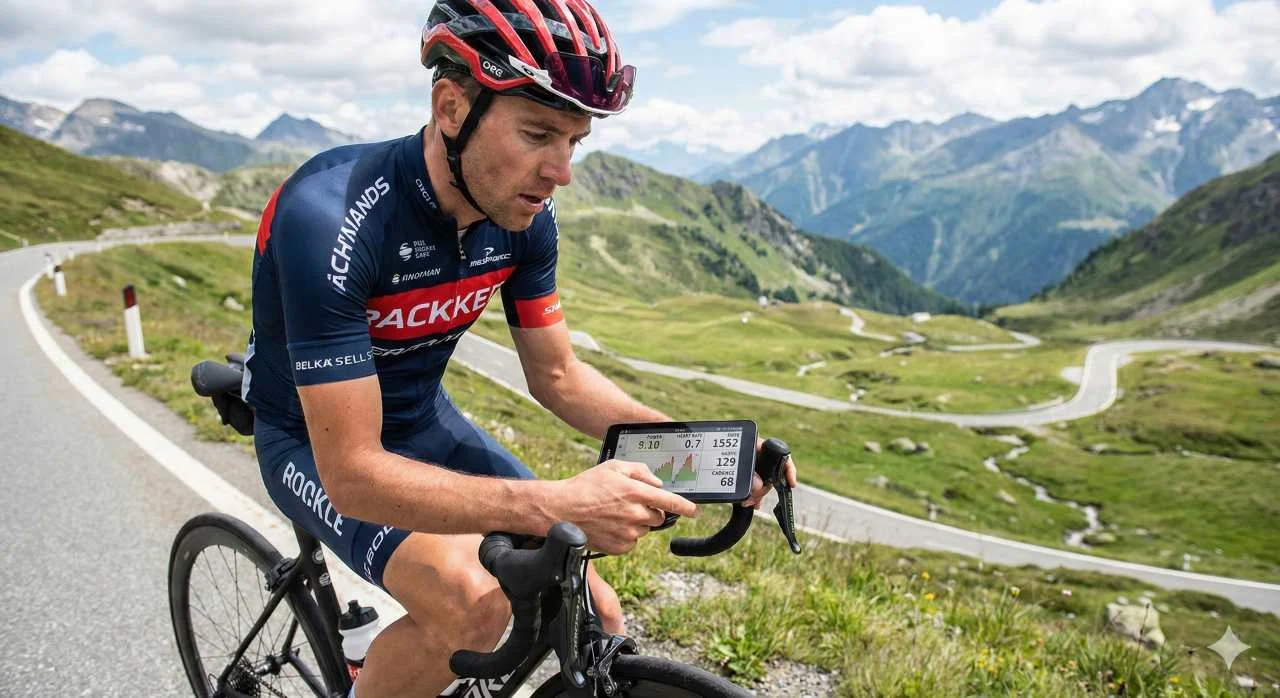
However, owning a power meter is only half the battle. When you are just starting out, it can be hard to know how to get the most from the data. There is a wealth of metrics, new terminology to dissect and analysis software to master.
In this guide we cover the key ways to use this tool and why power meter training is the most time-efficient way to build fitness.
What Is Power, Exactly?
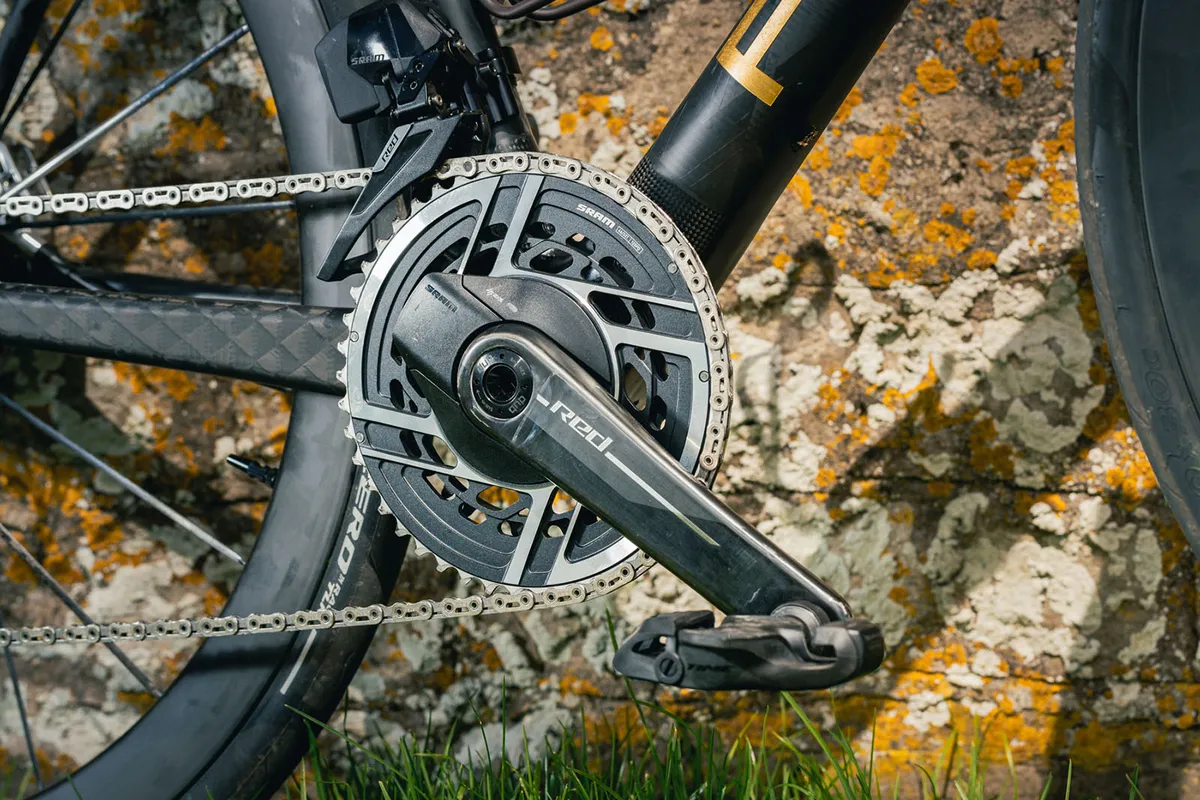
Power (measured in watts) is the combination of the force (more precisely, torque) applied to the pedals and your cadence (the speed at which you turn them).
Your watts are an objective measure of your external load. They tell you exactly how much work you put through the pedals every second and how much mechanical energy you produce in the real world.
Power is different from heart rate, which measures your internal load, that is, how hard your cardiovascular system is working. Both metrics are valuable, but they measure different things.
Why Are Watts Better Than Heart Rate?
Power is precise and responds instantly compared with heart rate. Because the heart lags behind, short high-intensity efforts (such as a 15-second sprint) often cause only a small change in heart rate even though the workload is huge. A power meter captures every detail.
Benefits of Power Meter Training

Structured power meter training lets you manipulate the intensity and duration of intervals to trigger specific fitness adaptations:
- Improved endurance on rides lasting several hours.
- Higher VO2 max capacity.
- Raising your "threshold".
Most training plans are based on a percentage of your FTP (Functional Threshold Power). FTP roughly represents the maximum power you can sustain for a longer period (usually 30 to 60 minutes). Above this threshold, fatigue builds up much faster than below it.
7 Key Metrics You Need to Know
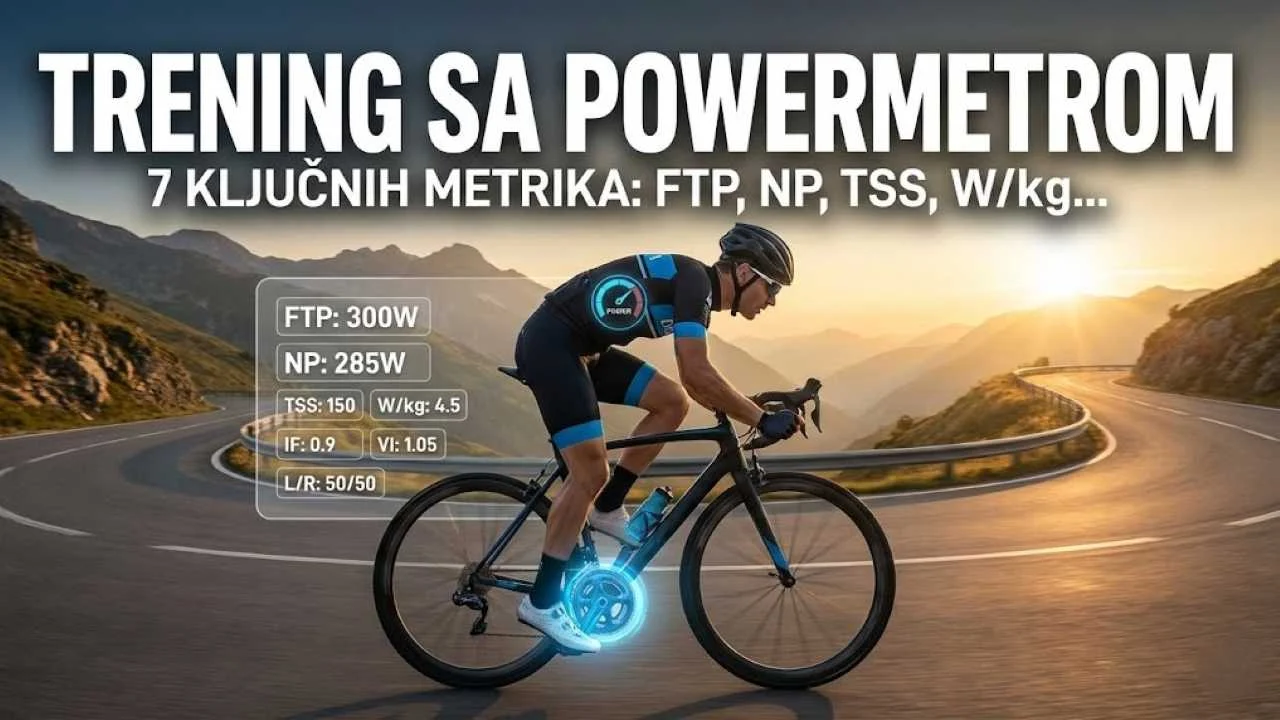
Once you upload your data to software such as TrainingPeaks, Strava or Golden Cheetah, you will run into a lot of numbers. These are the 7 most important cycling training metrics to understand:
The average power produced over a ride or an interval. This is the simplest metric for a quick look at how much "work" you did. However, it does not tell the whole story, especially on hilly rides.

Key for MTB! NP estimates the power you could have held if you had ridden at a steady pace for the same metabolic "cost". It accounts for spikes in intensity (sudden climbs, sprints), which are much harder on the body than steady riding. NP is often much higher than average power.
A measure of total work. The kJ you produce roughly equal the calories you burn. This is great for riders who want to match their food intake to the demands of training.
A measure of the overall stress of a workout. TSS depends on intensity and duration. For example, one hour of riding at your FTP gives a TSS of 100. This helps you track accumulated fatigue and avoid overtraining.
The ratio of your normalized power (NP) to your FTP. If your IF is 0.8, you rode at 80% of your FTP. It is a quick way to see how hard a session was relative to your current fitness.

The king of metrics for climbers. Dividing your power by your body weight is decisive on climbs, where gravity plays the main role.
The ratio of power to heart rate. Over time, if you can produce more watts at the same heart rate, your EF rises, a sign that you are getting fitter and more efficient.

Limitations of Power Data
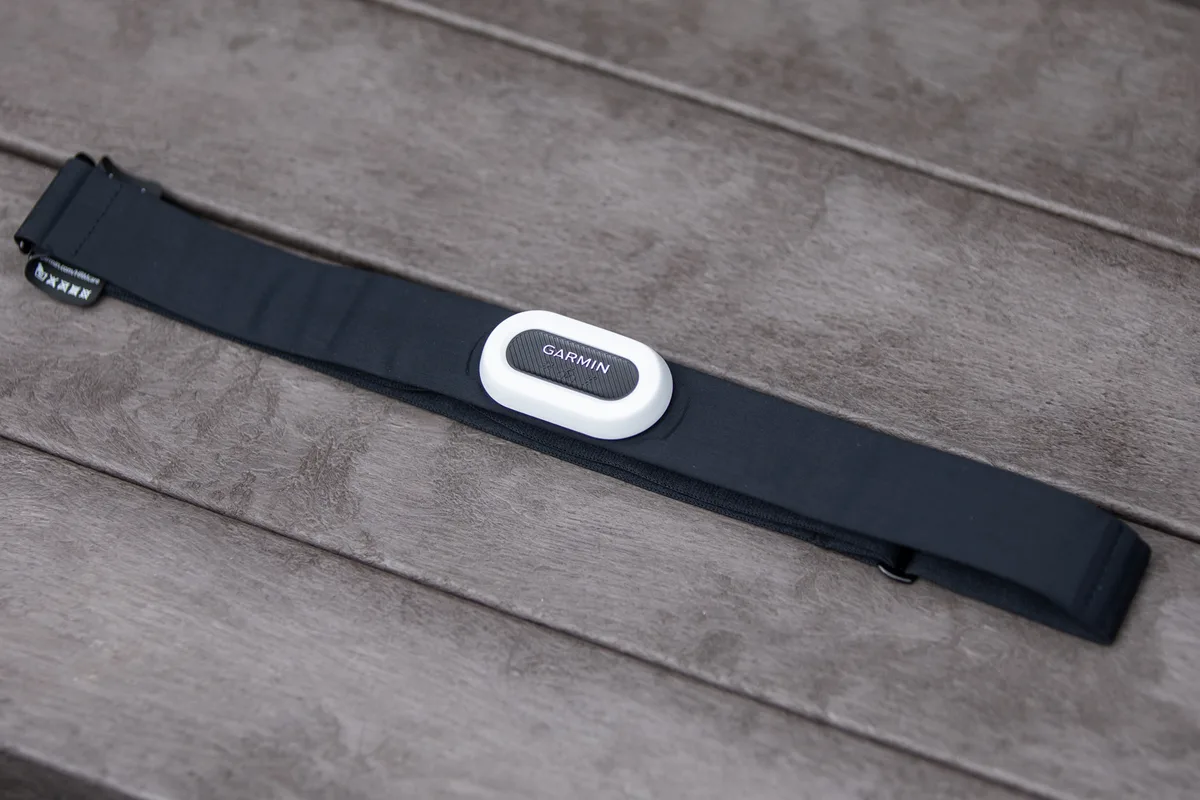
Although a power meter is a powerful tool, it is not infallible. Factors such as heat, dehydration or poor nutrition can make your usual watts feel much harder.
That is why it is best to use power together with heart rate and your rating of perceived exertion (RPE). This "holy trinity" of data gives you a complete picture of your fitness.
How to Start Power Meter Training: Your First Six Weeks
The most common mistake is trying to analyze everything at once. Power meter training works best when you start with a few metrics and plenty of patience.
- Weeks 1–2: ride as you normally do and just record the data. The goal is to learn your average values.
- Week 3: do an FTP test and set your power zones in your bike computer or app.
- Weeks 4–6: add one structured workout per week and watch how your power changes at the same effort.
Most Common Mistakes When Working With Power
- Uncalibrated device: do a zero offset before every ride, following the manufacturer's instructions.
- Comparing yourself to others: your watts are yours; the trend matters, not someone else's number.
- Ignoring recovery: power meter training reveals fatigue but does not fix it; plan easier days and read our recovery protocol.
The easiest way to follow your data is on a bike computer that supports ANT+ and Bluetooth sensors, and our iGS630S review takes a closer look at one option. Also read our guide to training zones in cycling and the article on the key areas of cycling training. A bike service can help with sensor pairing and installation, and you can book your service online. If you have any health concerns, consult a doctor before more intense training.
Sources and Further Reading
- Cycling power meter (Wikipedia) – how power meters work
- Cycling computer (Wikipedia) – displaying and recording data
Frequently Asked Questions About Power Meters
Want to Take Your Training to the Next Level?
Data is only useful if you know what to do with it. Join the MTB Evolution team and train smarter.
Become a club member