Expert insight into the technical maintenance of your Shimano Di2 machine.
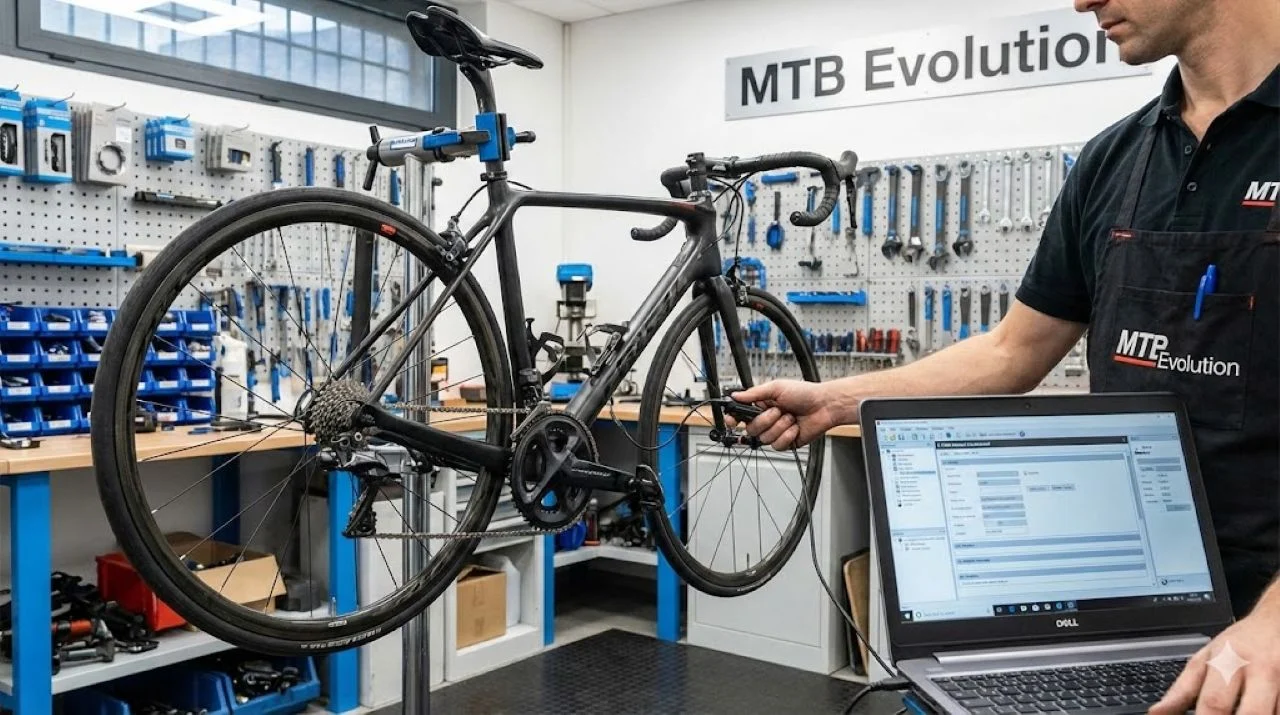
A proper SM-PCE02 Di2 connection is a key step in advanced maintenance of 12-speed Shimano systems. 12-speed Di2 is a revolution in drivetrain tech, but the new SD300 ports call for a new diagnostic approach. The mobile E-Tube app is handy, but for serious diagnostics, software recovery and a detailed check of battery consumption, the SM-PCE02 tool is essential.
The mobile version of E-Tube Project simply doesn't offer the advanced features available in the E-Tube Project Professional desktop software. The SM-PCE02 is also vital for a Di2 firmware update in the shifters, a task the mobile app can't handle without a wired link. Learning how to make the SM-PCE02 Di2 connection on the new SD300 standard is the key to top-level bike maintenance.
Conversion Tools: SD50 to SD300 Adapters
If you own an older SM-PCE02, it most likely came with only an SD50 cable, designed for 11-speed systems. The 12-speed (SD300) standard needs a hardware conversion.
Using the EW-AD305 Adapter
- Purpose: The adapter has both an SD50 and an SD300 port, which allows the standards to be converted.
- Procedure: Plug your PCE02's SD50 cable into one side of the AD305 and a spare EW-SD300 cable into the other.
- Connecting: Use that EW-SD300 cable to connect to the bike.
Direct SD300 Link Cable (Y79M9801T)
This is a single cable that plugs straight into the SD300 port on the bike. If you are buying a newer SM-PCE02, check whether it already comes with both cables (SD50 and SD300), which saves you from buying an adapter.
SM-PCE02 Di2 Connection Points on a 12-Speed Bike
The connection options are tailored to specific diagnostic tasks.
A. Connecting Directly to the Shifters (Firmware Update)
This is the quickest SM-PCE02 Di2 connection for diagnostics and software updates of individual shifters.
- Port Access: Carefully push the shifter's rubber hood back to reveal the SD300 port.
- Connecting: Plug the SD300 cable into the upper port.
- Important: The lower port is reserved exclusively for satellite shifters.
B. Connecting to the Whole System (Battery and Derailleur Diagnostics)
1. Using the Battery's Third Port
A great option if the battery is easy to reach (e.g., inside the seatpost) and the bike has disc brakes. The third port is often unused.
Procedure: Pull out the seatpost, remove the dummy plug from the battery's third port and plug in the SM-PCE02 cable directly.
2. Using the Rear Derailleur (Recommended Method)
This is the most accessible way to get a full SM-PCE02 Di2 connection, giving you complete control and a check of the whole system (battery, both derailleurs, system settings).
Tools Needed:- One EW-JC304 four-port junction box.
- One EW-SD300 cable (spare).
- Unplug: Disconnect the cable that goes into the rear derailleur.
- Connect the Box: Plug that original cable into one port of the EW-JC304 box.
- Close the Circuit: Use the spare EW-SD300 cable to connect the derailleur back to the EW-JC304 box.
- PCE02 Connection: One free port on the EW-JC304 box is now available for plugging in the SM-PCE02 directly.
Visualization: This procedure creates a secure "junction" at the derailleur, which opens a diagnostic port while the system stays fully functional.
Conclusion and E-Tube Project Professional
Once your SM-PCE02 Di2 connection is made on your 12-speed system, launch the E-Tube Project Professional software on your computer. You can now run complete diagnostics, update firmware, fine-tune Synchro Shift and use all the other advanced features.
✅ FAQ – SM-PCE02 and Di2 Diagnostics
-
Is the SM-PCE02 necessary for every Di2 service?
It isn't necessary for basic shifting adjustments, but for advanced diagnostics, battery health checks, firmware updates of individual components and system resets after an error, the SM-PCE02 is a must-have tool.
-
Can I use the older SM-PCE1 device?
Unfortunately, the SM-PCE1 is not fully compatible with the new 12-speed software and the E-Tube Project Professional application for newer generations of parts. For working with the SD300 standard and 12 speeds, the SM-PCE02 is recommended.
-
What is the difference between the EW-AD305 adapter and the direct cable?
Functionally there is no difference. The EW-AD305 converts the old SD50 cable (which comes with older units) to the new SD300 standard. The direct cable (Y79M9801T) is a neater solution because it removes the need for an adapter.